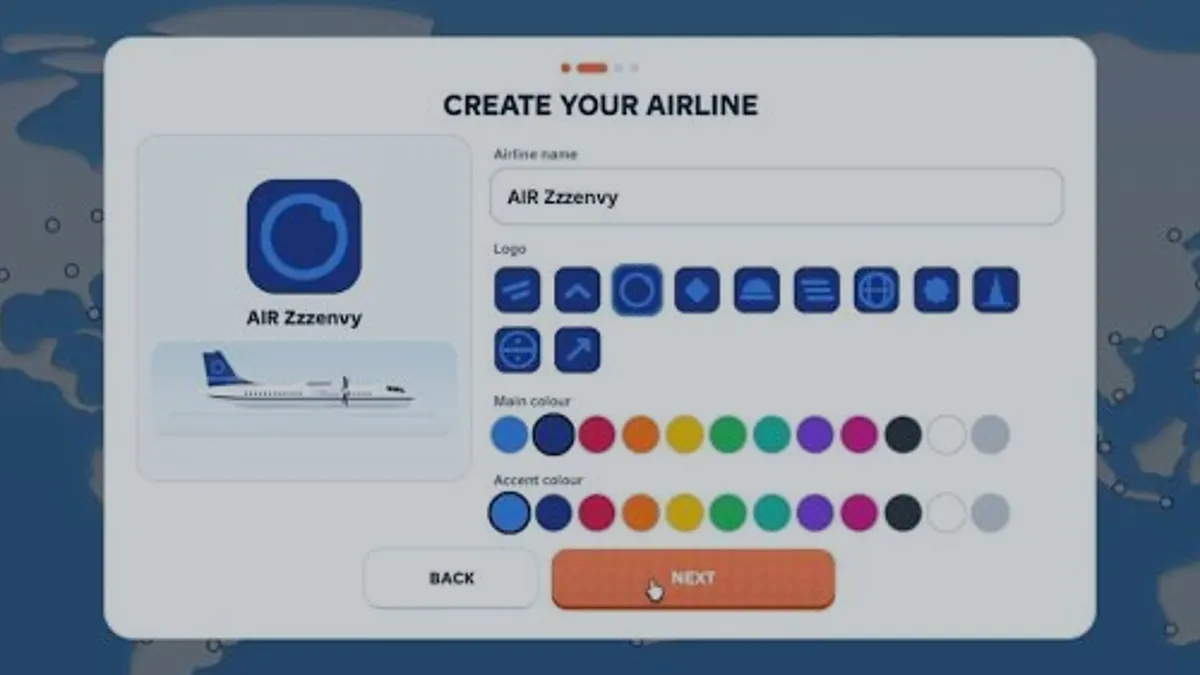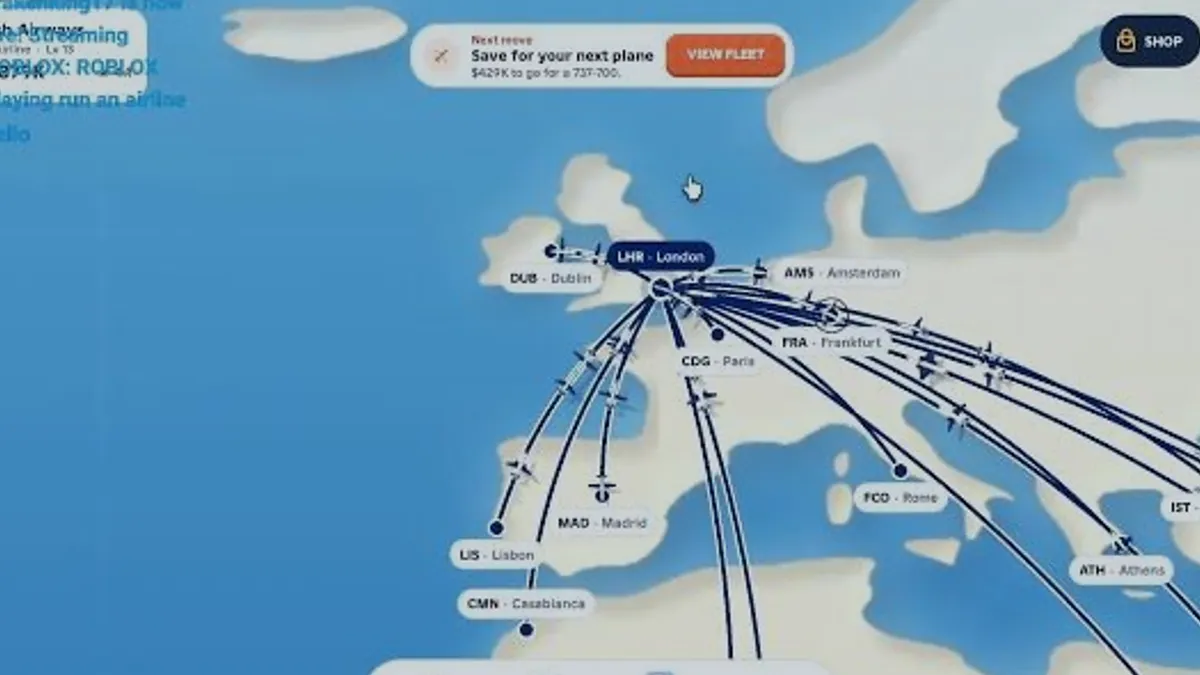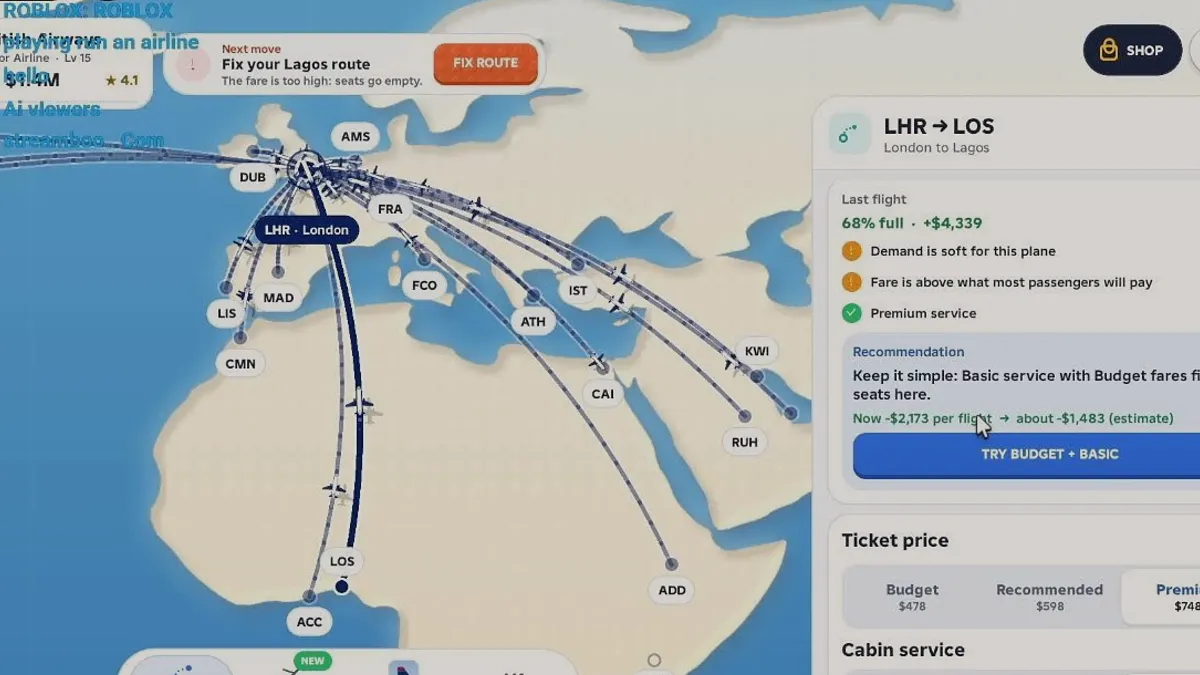
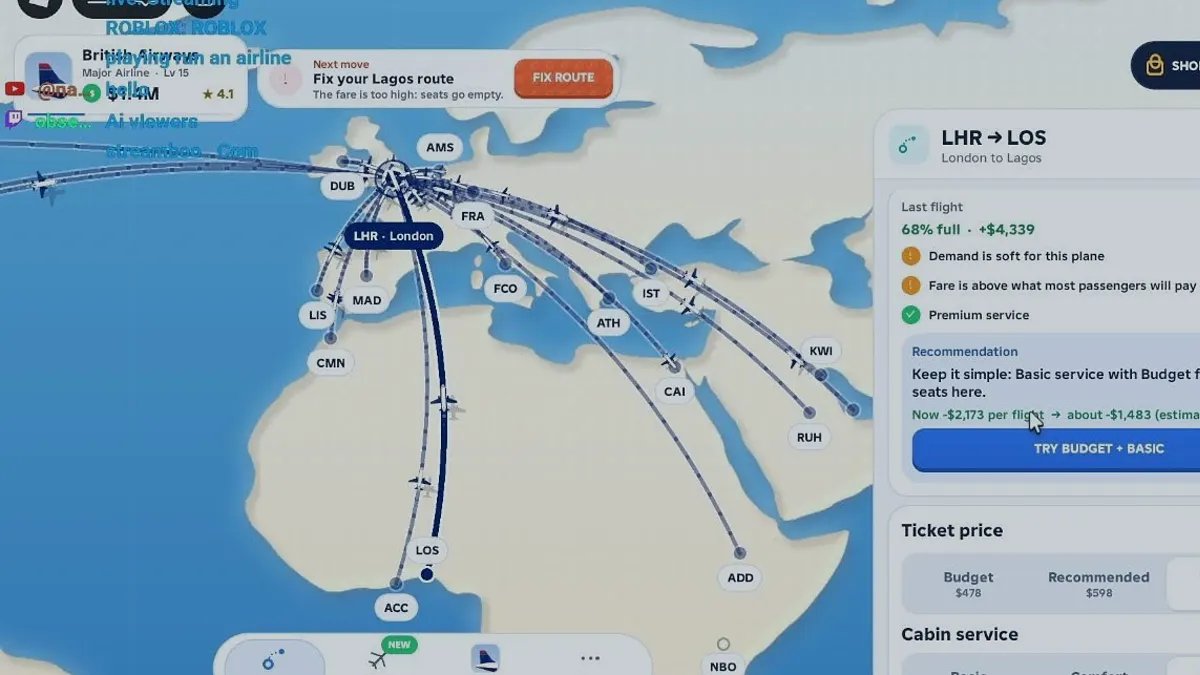
The loop in one paragraph
Cash comes from completed flights. A flight's result depends on the route, the aircraft's seats, the fare tier, the cabin service level and how many passengers actually boarded. That cash buys aircraft and opens routes, which produce more flights. Levels, the star rating and career milestones sit on top of that loop and do not replace it.
The official description states the same loop in its own words: open routes across the world, unlock aircraft from regional turboprops to long-haul jets, manage fares, service, aircraft choice, demand and route performance, and reinvest the cash from every successful flight.
The five decisions that repeat
- Which route to open next, measured against the aircraft you already own.
- Which fare tier to set: budget, recommended or premium.
- Which cabin service to run: basic, comfort or premium, priced per seat.
- Whether the current aircraft is the right size for the demand on that route.
- Whether to spend the next block of cash on a route, an aircraft or nothing at all.
How the systems connect
| Target | What it does | What you control | What it changes |
|---|---|---|---|
| Fleet | Defines capacity and reach | Aircraft type and assignment | Seats, range, speed |
| Map and routes | Defines which city pairs exist | Which destination you open | Distance, block time, available demand |
| Cabin service | Sets cost per seat and satisfaction | Basic, comfort or premium | Per-flight cost, rating pressure |
| Fare tiers | Sets revenue per passenger | Budget, recommended or premium | Load factor and revenue |
| Level and rating | Summarises progress | Flight outcomes over time | Tier label, star rating, unlocks |
What the game tells you for free
The route card is unusually generous for a management sim. It reports the last flight's load factor, the cash result, a list of specific issues and a recommendation with an estimated outcome. That is enough to run a controlled experiment without any external spreadsheet.
The map adds a Next move prompt that names the immediate action, and for aircraft purchases it quotes the cash still needed. Those two surfaces — route card and Next move — are the whole tutorial.
A repeatable ten-minute routine
Read the last result
Open the route you changed most recently and note load factor and cash.
Act on one warning
Pick the first warning line and change only the setting it names.
Let the flight finish
Do not open a second route while the first is still unresolved.
Compare and keep the winner
If the result improved, keep the setting; if not, revert it.
Core loop questions
Is Run an Airline an idle game or a management game?
It is listed as Simulation with an Idle subgenre, and the interface supports both readings: flights run on a quoted block time while you do other things, but fares, service and aircraft choice are active decisions that change the result.
Do flights run while I am offline?
Offline progress is not described on the official page and was not tested in the reviewed sessions. Assume flights only advance while the session is open until you observe otherwise in your own client.
What happens if I ignore a route warning?
The route keeps flying with the settings you left. A warning such as a fare above what passengers will pay does not stop the flight, it explains a weak load factor, so ignoring it costs cash rather than blocking progress.
How many routes should I run at once?
Only as many as you can check. Each route has its own fare, service and load factor, and a route you never open is a route you cannot repair. One well-read route beats four ignored ones.
Sources and references
- Run an airline — official Roblox experience page
Supports the game identity, creator, release date, server size, genre and the published feature list quoted on this site.
Accessed - Roblox Games API — universe 10768550253
Supports visit count, favourites, active players, maximum server size, genre tags and the created/updated timestamps used in the snapshot table.
Accessed - Roblox votes API — universe 10768550253
Supports the 1,432 up / 208 down vote counts behind the 87.3% approval figure. Approval is computed, not published by Roblox.
Accessed - Roblox game passes API — universe 10768550253
Supports the six pass names and the effect wording quoted in the monetisation pages. It does not publish prices.
Accessed - Creator profile — monkeytherobloxdev
Confirms the creator account behind the experience. The profile itself carries no studio or support page.
Accessed - RUN AN AIRLINE FOR THE FIRST TIME:O — Zzzenvy
Public first-session recording used for the create-airline flow, the ATR 42-600 fleet panel (48 seats, 1,300 km, 500 km/h) and the DXB ↔ KWI 854 km / 3h example. Frame text only; no developer statement.
Accessed - ROBLOX playing run an airline — Krakenking17
Public live recording used for the LHR → LOS route card: fare tiers $478/$598/$748, 68% load, +$4,339 last flight, -$2,173 to -$1,483 recommendation, and cabin service at $3/$9/$20 per seat.
Accessed