What a first session should produce
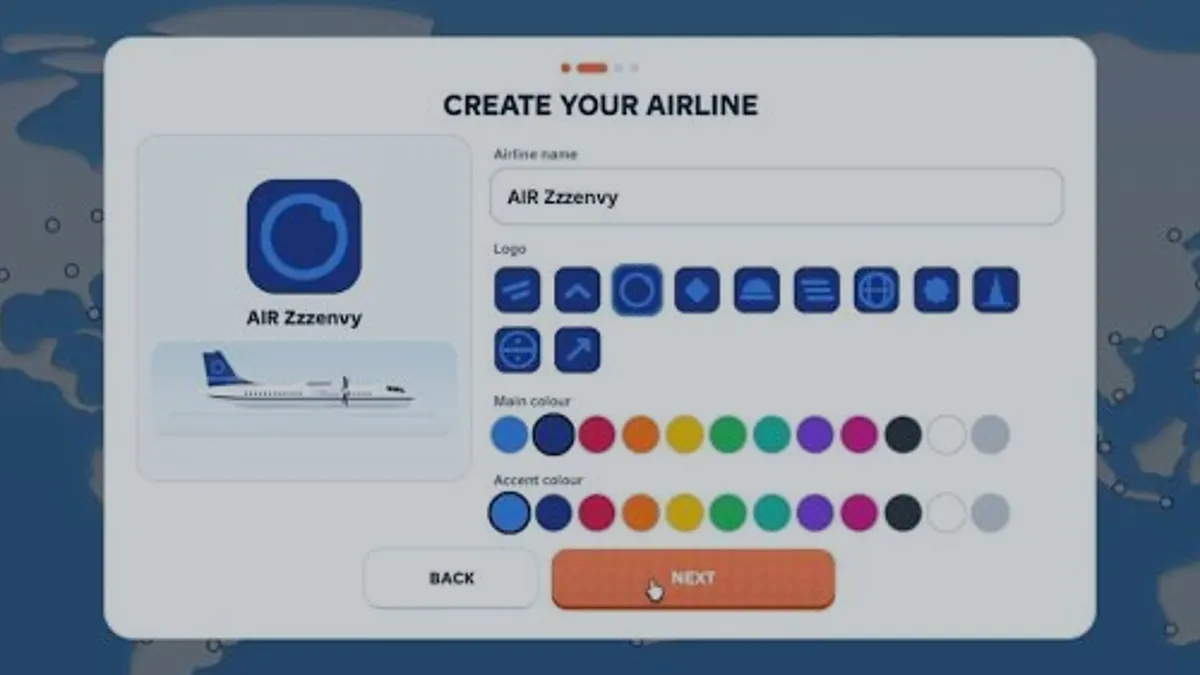
A first session in Run an Airline has one job: complete a flight and understand the card it produces. The airline you create at the start is mostly cosmetic — a name, a logo from a fixed grid, a main colour and an accent colour — so the decisions that matter begin at the hub and the first route.
By the end you should be able to answer three questions without guessing: which aircraft you own, which route it flies, and whether that route made or lost cash on its last flight. Everything else in this wiki builds on those three answers.
The opening flow
Create the airline identity
For a brand-new account with no airline yet.- Enter an airline name.
- Pick a logo from the grid, then choose a main colour and an accent colour.
- Confirm and continue; the identity is cosmetic and can be judged later.
Read the hub before accepting it
For a player choosing where the network starts.- Look at which airport badges already surround the hub on the map.
- Note the nearest destinations and roughly how far they sit from the hub.
- Prefer a hub with several short neighbours over one isolated long-haul city.
Check the aircraft card, not the price tag
For a player about to assign the first aircraft.- Open the fleet tab and read seats, range and speed.
- Compare range with the distance shown on a candidate route.
- Ignore the cash gap until you know the aircraft can fly the sector at all.
Open one route, not three
For a player tempted to build a network immediately.- Open a single destination and read the three fare tiers.
- Start at the recommended tier with the default service level.
- Save the change and let the flight complete.
Read the result before changing anything
For a player who has just completed a flight.- Read the load factor percentage and the per-flight cash figure.
- Read every warning line under the result.
- Write down the fare, the service level and the result together.
Change one variable
For a player ready to improve the route.- Change either the fare tier or the service level, never both.
- Run the route again and compare against the baseline.
- Keep the change only if the per-flight result improves.
The four screens you will use
| Target | What it shows | Decision it supports |
|---|---|---|
| Airline card (top left) | Airline name, level, tier label, cash balance, star rating | Whether you can afford the next purchase |
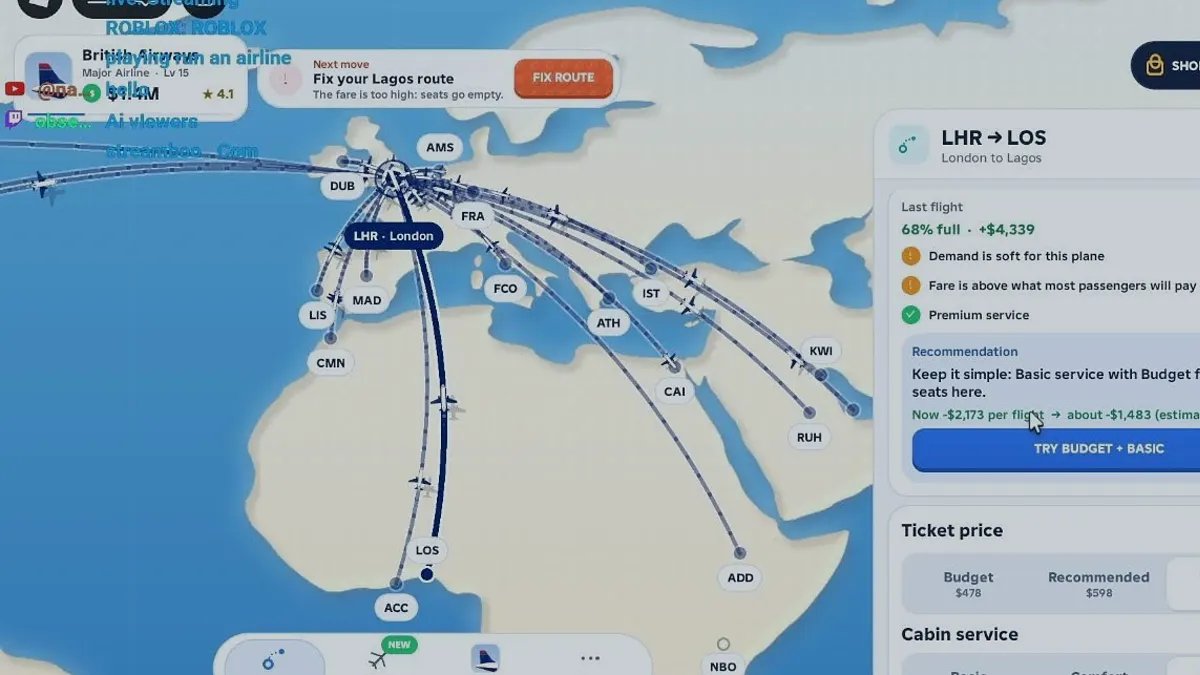
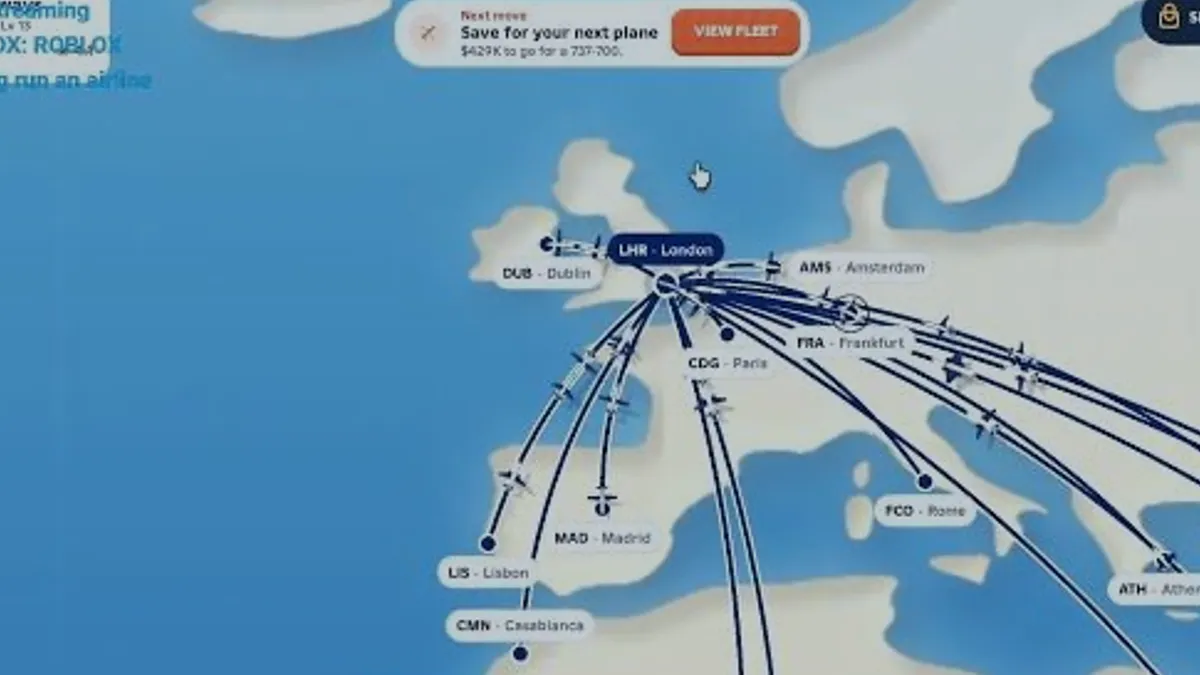
| World map | Airport badges, your hub, route lines and the Next move prompt | Which destination to open next |
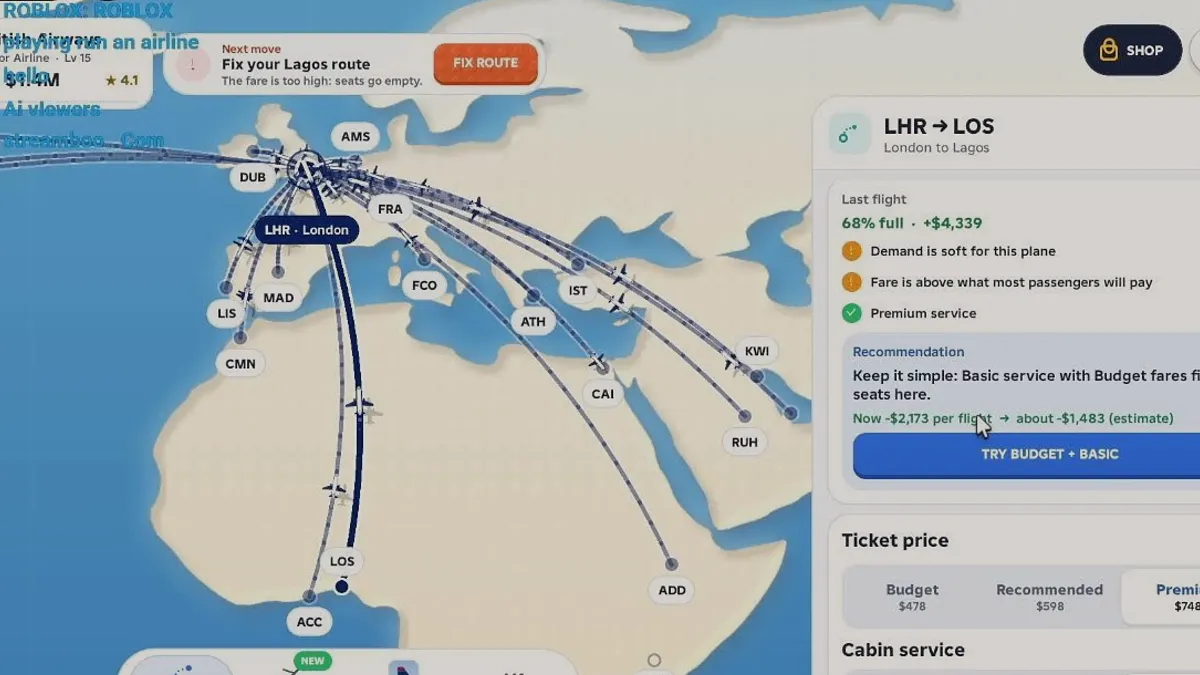
| Route card | Last flight load factor, cash result, warnings, recommendation, fare tiers, service price | Whether to reprice, re-service or close the route |
| Fleet tab | Type, class, assigned route, seats, range, speed | Which routes the aircraft can legally fly |
First-session checklist
- Airline created with a name, logo and two colours.
- Hub chosen with at least two nearby destinations.
- One aircraft checked for seats, range and speed.
- One route opened at the recommended fare.
- One completed flight with its load factor and cash result written down.
- One variable changed and re-tested against that baseline.
First-session questions
How long does the first flight take?
The route card quotes a block time per sector, and the reviewed ATR 42-600 showed an 854 km route as 3 hours. Treat that quoted time as the wait before the next decision, and plan other work around it rather than watching the timer.
Should I spend real money on the Starter Pack?
The Starter Pack grants $175,000 plus two cosmetics, one purchase per account. It removes early cash pressure but does not teach the route card, so decide based on whether you want to skip the first hour rather than on any in-game advantage.
What if my first route loses money?
That is a normal first result. Cut the cabin service to basic and move to the budget fare, run it again, and only close the route if it is still negative. The game itself recommended exactly that order on a reviewed route losing $2,173 per flight.
Can I rename the airline later?
No rename control was visible in the reviewed sessions, and the create-airline card appears once at the start. Treat the name and logo as permanent and choose something you do not mind seeing on every screen.
Sources and references
- Run an airline — official Roblox experience page
Supports the game identity, creator, release date, server size, genre and the published feature list quoted on this site.
Accessed - Roblox Games API — universe 10768550253
Supports visit count, favourites, active players, maximum server size, genre tags and the created/updated timestamps used in the snapshot table.
Accessed - Roblox votes API — universe 10768550253
Supports the 1,432 up / 208 down vote counts behind the 87.3% approval figure. Approval is computed, not published by Roblox.
Accessed - Roblox game passes API — universe 10768550253
Supports the six pass names and the effect wording quoted in the monetisation pages. It does not publish prices.
Accessed - Creator profile — monkeytherobloxdev
Confirms the creator account behind the experience. The profile itself carries no studio or support page.
Accessed - RUN AN AIRLINE FOR THE FIRST TIME:O — Zzzenvy
Public first-session recording used for the create-airline flow, the ATR 42-600 fleet panel (48 seats, 1,300 km, 500 km/h) and the DXB ↔ KWI 854 km / 3h example. Frame text only; no developer statement.
Accessed - ROBLOX playing run an airline — Krakenking17
Public live recording used for the LHR → LOS route card: fare tiers $478/$598/$748, 68% load, +$4,339 last flight, -$2,173 to -$1,483 recommendation, and cabin service at $3/$9/$20 per seat.
Accessed