YouTube
Start here
Run an Airline: the first session, explained
A new airline is created in four steps — name, logo, main colour and accent colour — and then flown from a hub on the world map. This section covers that opening flow, the first route, and the mistakes that cost the most cash.
Opening flowName, logo, colours, hub
First routeDistance, fare, service
Costly mistakesWhat the warnings mean
Watch and verify
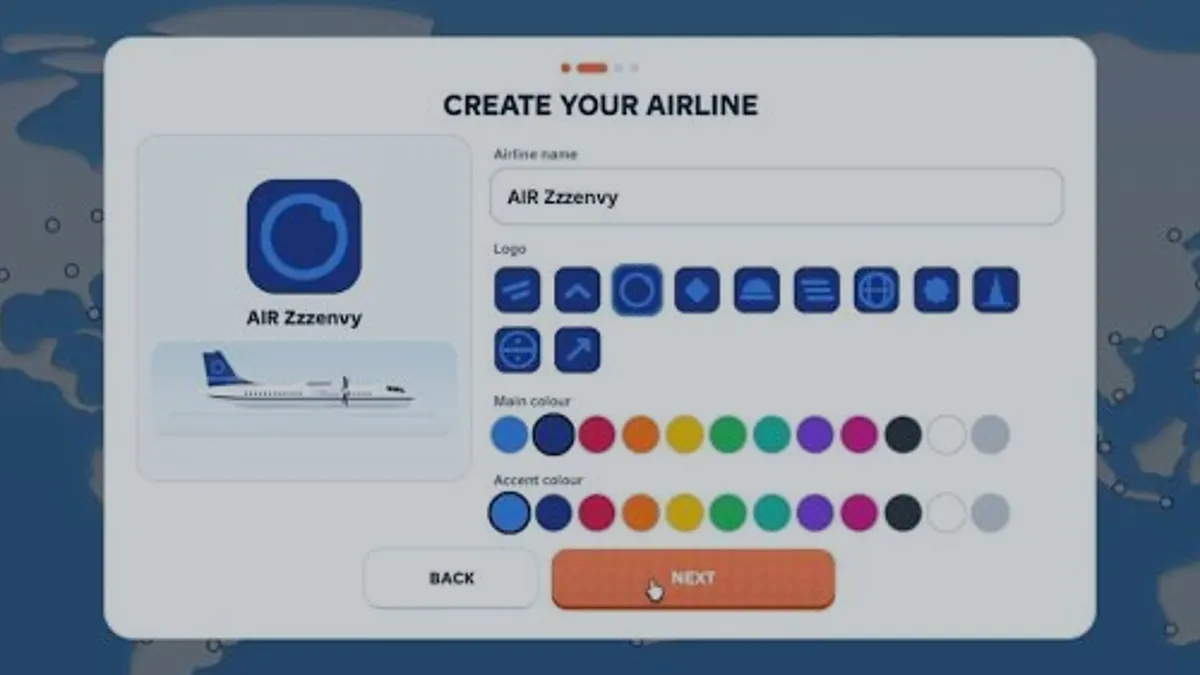
Watch a brand-new airline being created
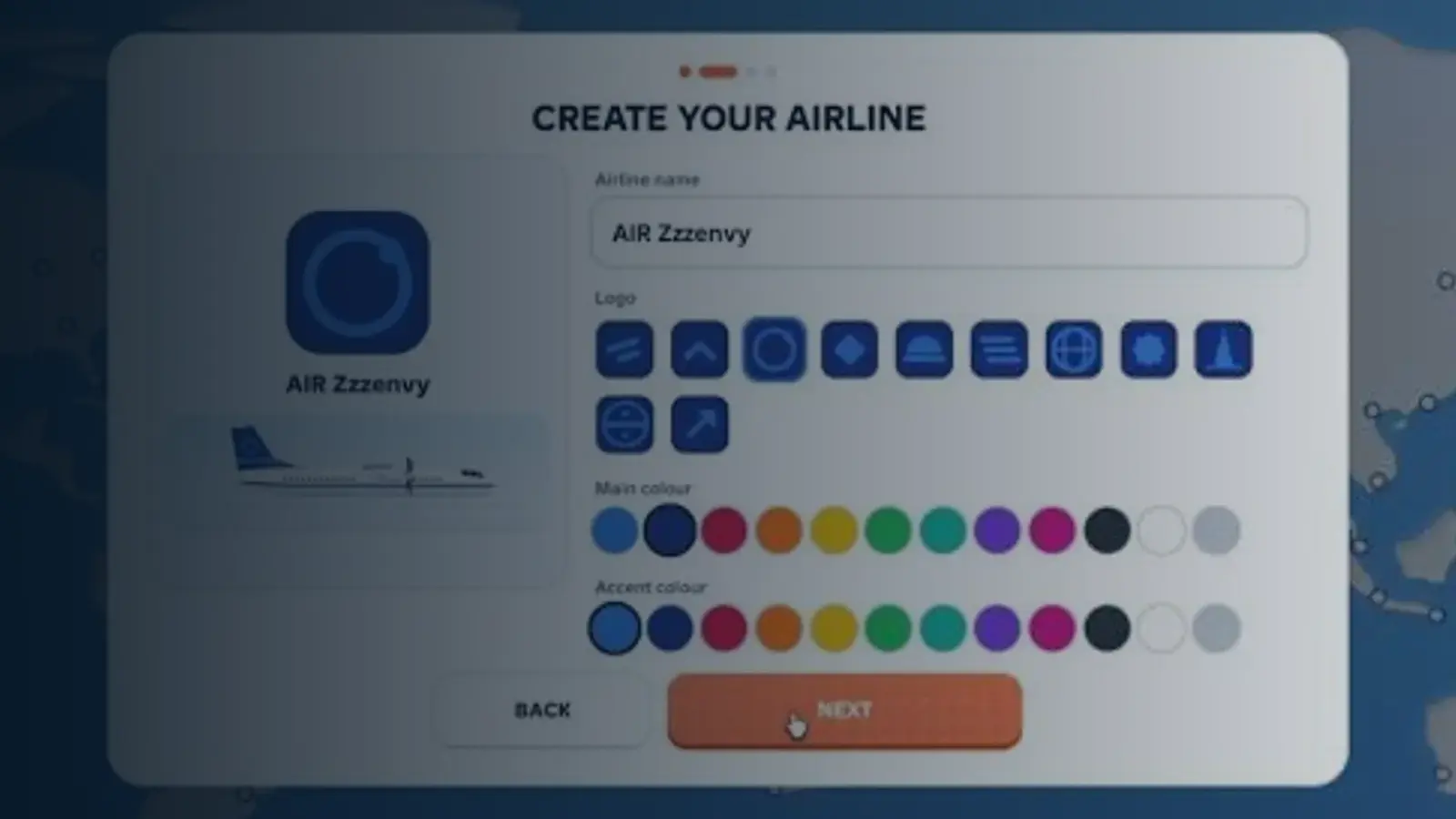
The opening minutes of this public recording show the create-airline card and the first fleet screen. Use it to recognise the screens; read the values on your own client rather than copying them.
What the guide section covers
Run an Airline is a Roblox management sim about building an airline from a single hub. The official description lists the loop plainly: open routes between cities, unlock aircraft from regional turboprops to long-haul jets, then manage fares, service, aircraft choice, demand and route performance.
The guides here follow that order. They describe the interface you will actually see — the create-airline card, the world map with its airport badges, the fleet panel with seats, range and speed, and the route card with its fare tiers and per-flight result — and they separate what the game tells you from what this site has measured.
Sources and references
- Run an airline — official Roblox experience page
Supports the game identity, creator, release date, server size, genre and the published feature list quoted on this site.
Accessed - Roblox Games API — universe 10768550253
Supports visit count, favourites, active players, maximum server size, genre tags and the created/updated timestamps used in the snapshot table.
Accessed - Roblox votes API — universe 10768550253
Supports the 1,432 up / 208 down vote counts behind the 87.3% approval figure. Approval is computed, not published by Roblox.
Accessed - Roblox game passes API — universe 10768550253
Supports the six pass names and the effect wording quoted in the monetisation pages. It does not publish prices.
Accessed - Creator profile — monkeytherobloxdev
Confirms the creator account behind the experience. The profile itself carries no studio or support page.
Accessed
Official pages
The experience page and the creator profile are the authority for the current build.
Pick your starting point
Three doors into the same loop: read the whole flow, copy the first route, or check the mistakes first.
I have never played
Create the airline, understand the map and finish one flight without wasting cash.
Open the beginner guideI want the full loop
How routes, fares, service, fleet and level all connect in one cycle.
Read how to playMy routes lose money
Start from the warnings and the per-flight number instead of guessing.
See common mistakesFeatured guides
The four pages that cover the opening session end to end.
All guides
Every onboarding page, in the order a new airline needs them.
Beginner guide
Run an Airline Beginner Guide: Your First Session, Step by Step
You begin by creating an airline — name, logo, main colour and accent colour — then pick a hub on the world map, put an aircraft on a route and complete one flight. A good first session ends with a route card you can read, not with a large fleet.
Reviewed 2026-10-18Core loop
How to Play Run an Airline: The Core Loop Explained
Run an Airline is a loop of five screens: create the airline, choose a hub, buy or assign aircraft, open a route with a fare and service level, then read the result and reinvest. Understanding the loop matters more than any single aircraft.
Reviewed 2026-10-18First route
How to Choose Your First Route in Run an Airline
Choose a first route that sits inside your aircraft's range, uses a short block time and has a fare tier you can test twice. The reviewed ATR 42-600 covers 1,300 km, so an 854 km hub sector is a safe first line while a long-haul destination is not.
Reviewed 2026-10-18Mistake list
Run an Airline Mistakes That Cost the Most Cash
The most expensive mistakes in Run an Airline are all decisions made before reading the route card: buying capacity before demand, setting a premium fare on a thin route, and changing two settings at once. Each one has a visible warning the game already shows you.
Reviewed 2026-10-18Continue with
Run an Airline beginner questions
What do you actually do in Run an Airline?
You create an airline, choose a hub on a world map, buy aircraft and open routes between cities. Each flight returns cash based on the fare, the service level and how full the cabin was, and that cash funds the next aircraft or route.
How much cash does a new airline start with?
The starting balance is not published. The only official cash figure is the Starter Pack's $175,000, which is a purchasable bundle rather than a default. Read your own balance on the top-left airline card before planning a purchase.
Is there a tutorial?
No scripted tutorial was visible in the reviewed recordings. The game instead shows a 'Next move' prompt on the map that names the next action and, for aircraft, the cash still needed.
Can I play with friends?
Servers hold up to eight players according to the public experience record, but the reviewed sessions show a single airline per account rather than shared ownership. Treat it as a solo management game with a small shared map.
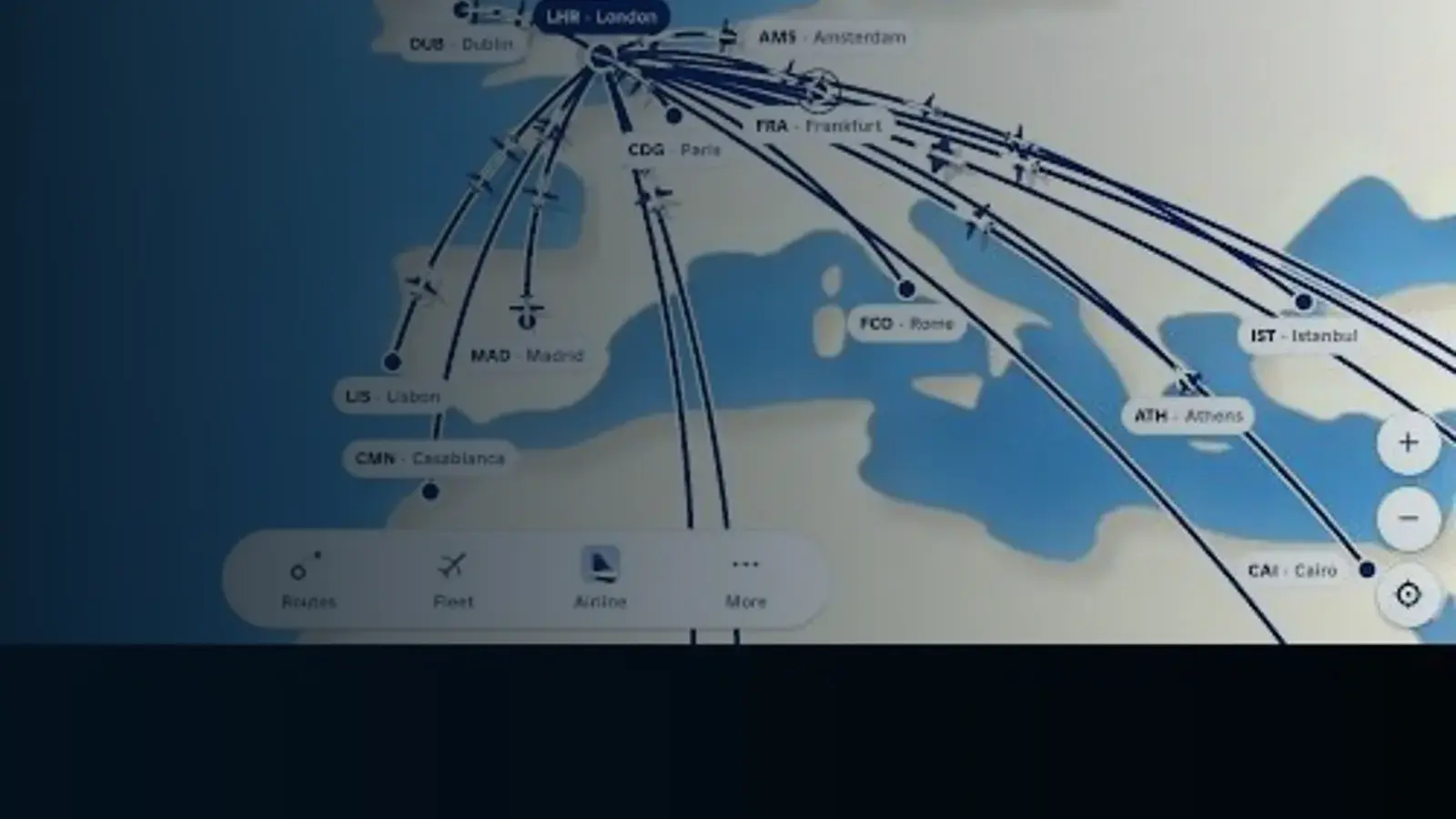
Ready for the second flight?
Once one route is running, the next gains come from fares and fleet payback rather than more clicking.